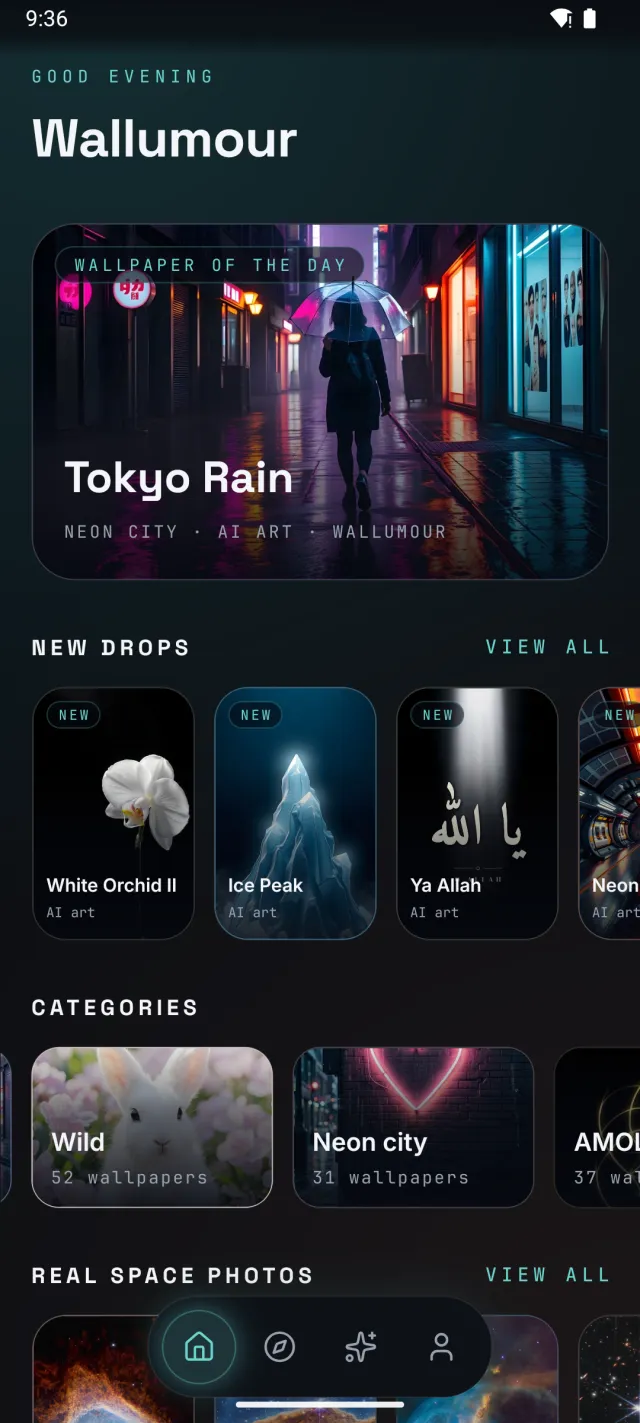
Wallpaper of the day
A new wallpaper every day, picked for everyone and cycling through the whole collection.
Wallpapers for Android
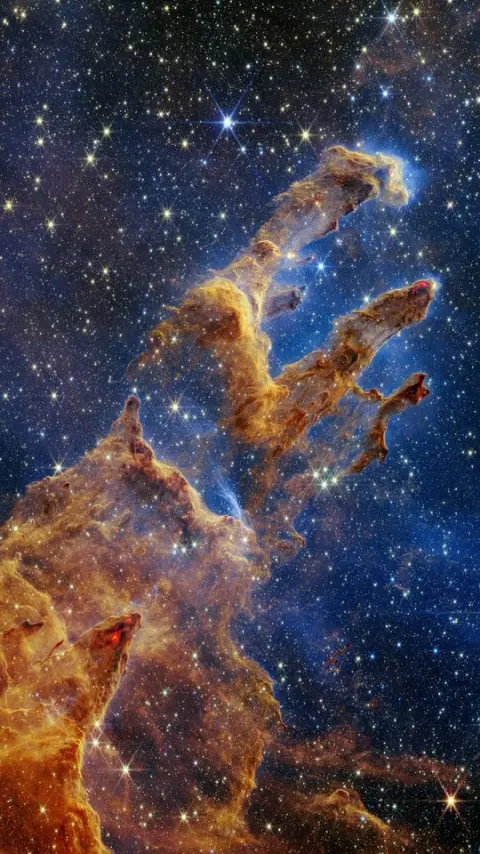
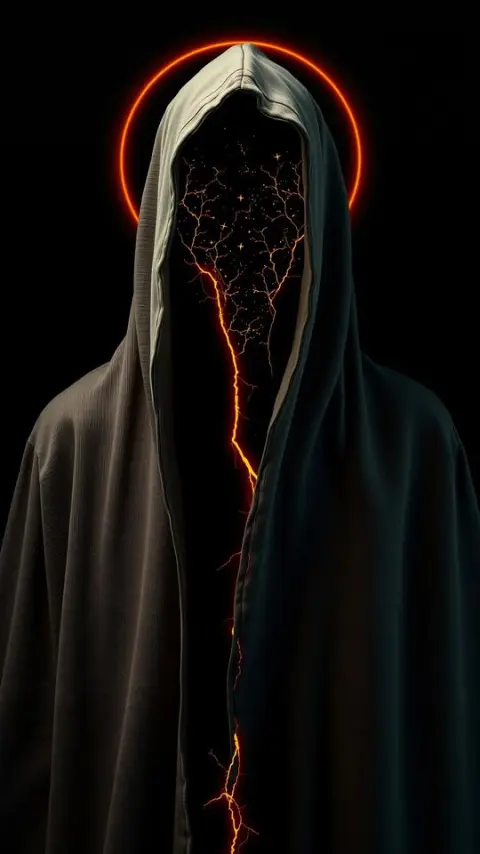
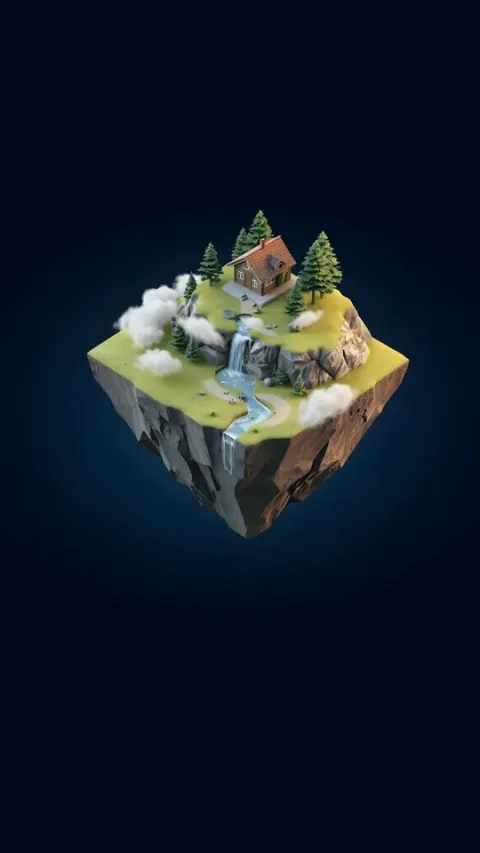
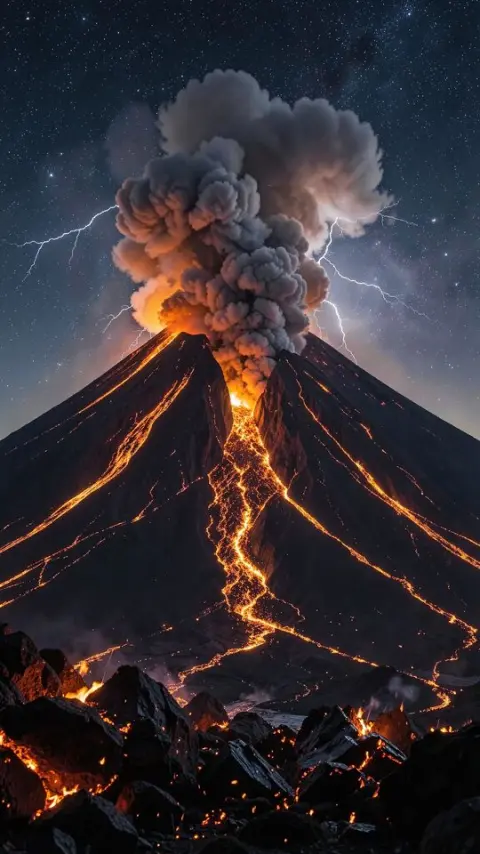
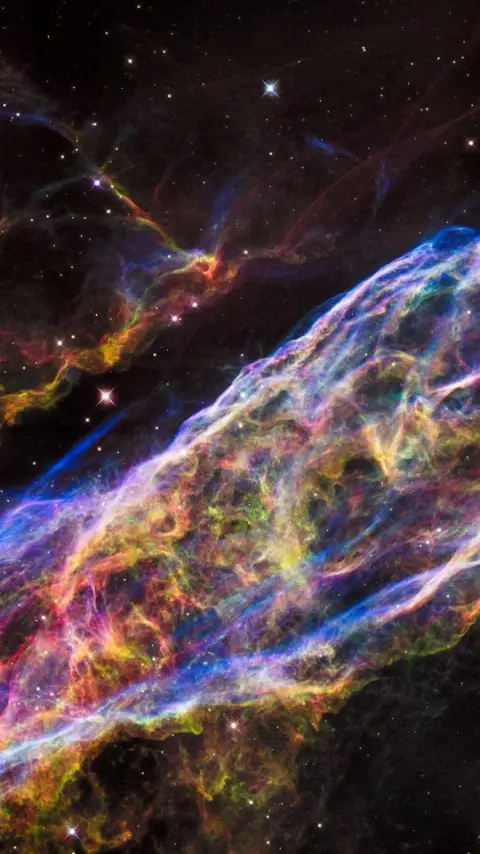
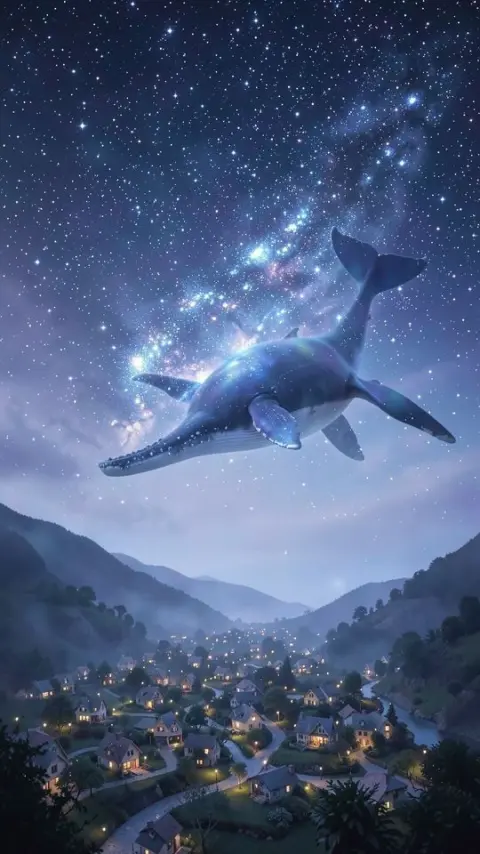
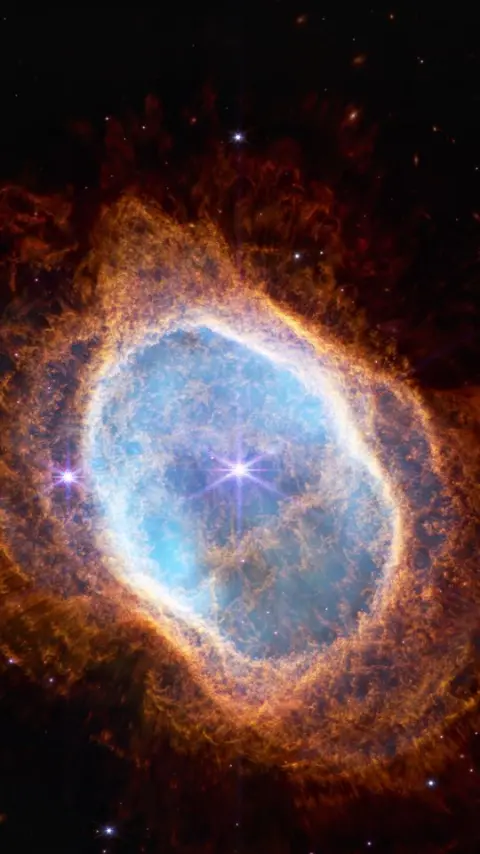
AI and 4K wallpapers: original AI art made for Wallumour, and deep-space images from the James Webb and Hubble telescopes. Preview it behind your lock screen clock, then set it in one tap.
Features
A new wallpaper every day, picked for everyone and cycling through the whole collection.
Fresh wallpapers arrive without an app update. New drops gathers the latest, and this week's are marked NEW.
Suggestions like the ones you favourite and set, worked out on your phone. Recently used keeps your last picks close.
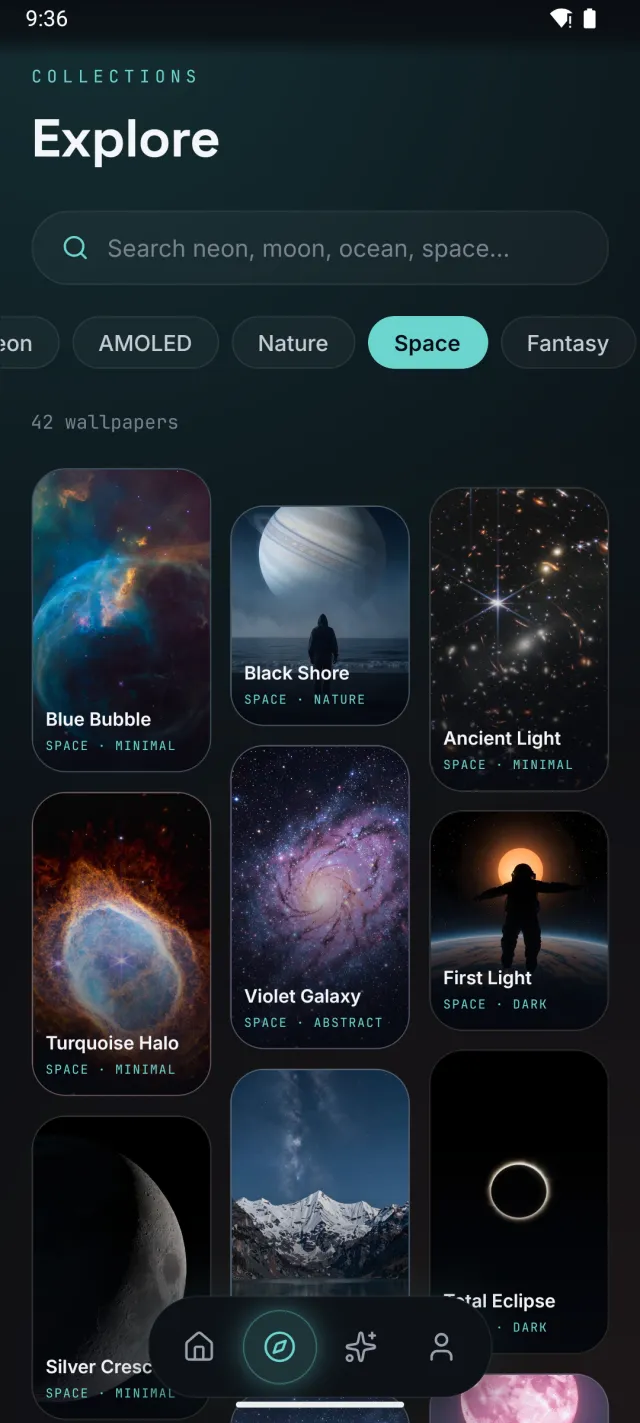
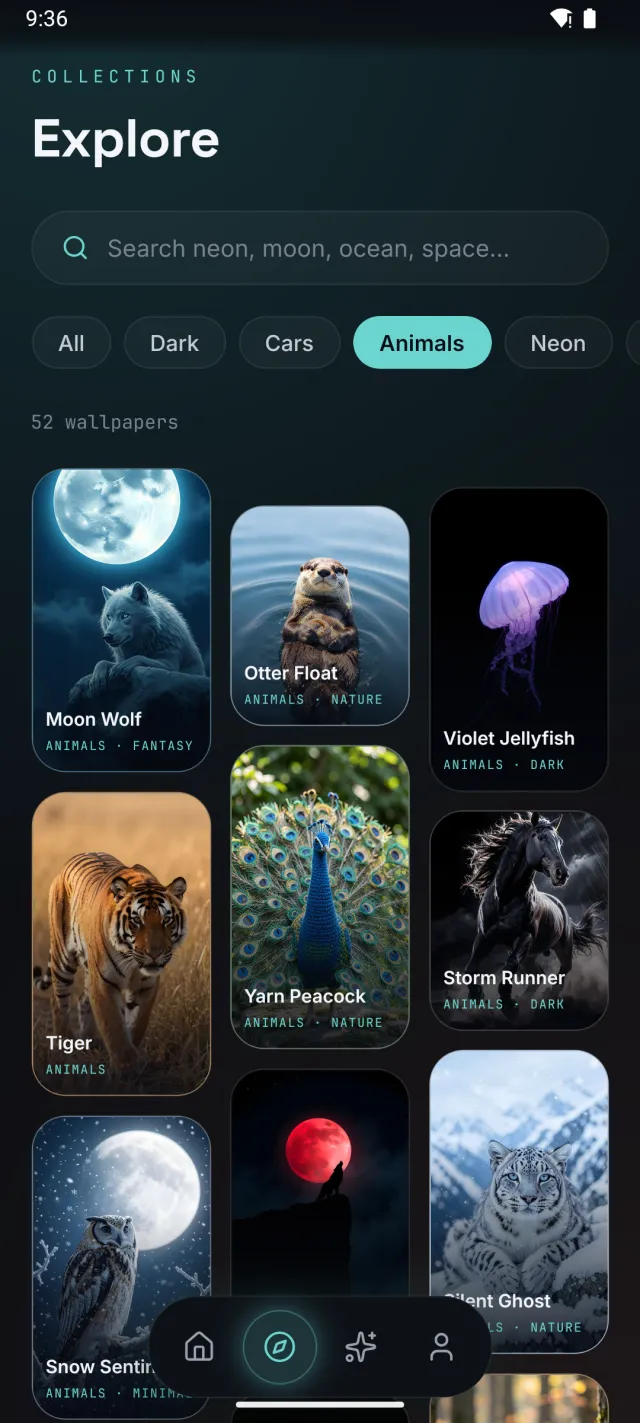
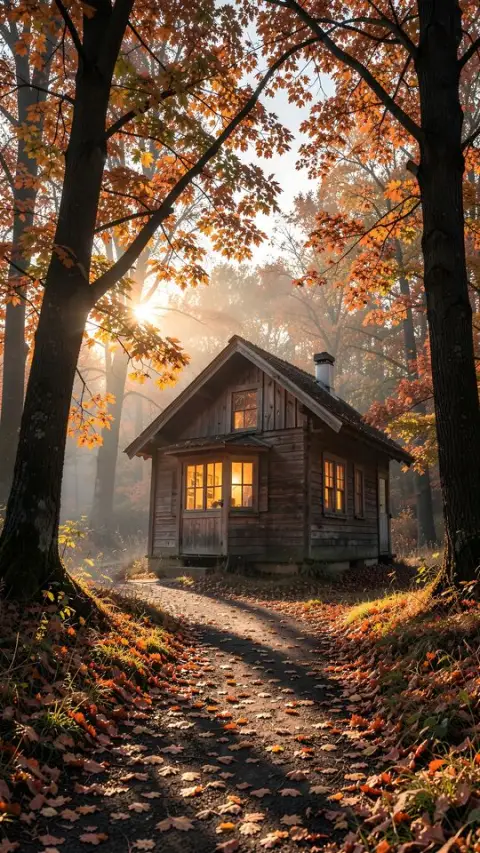
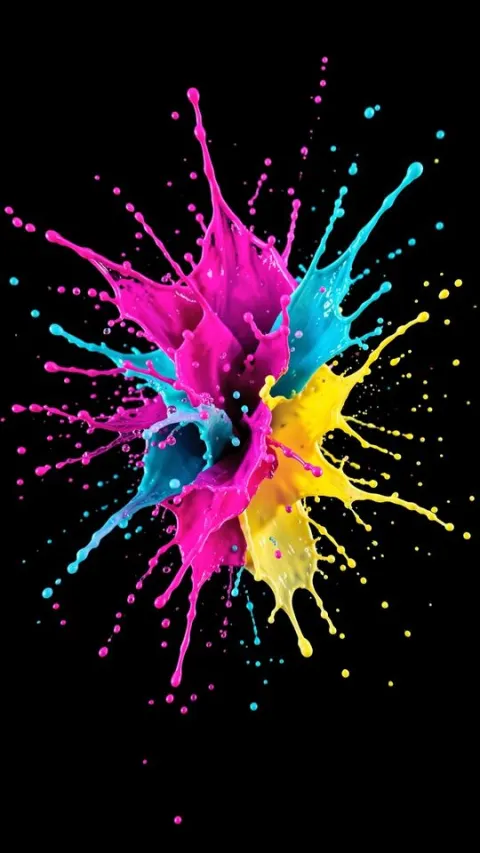
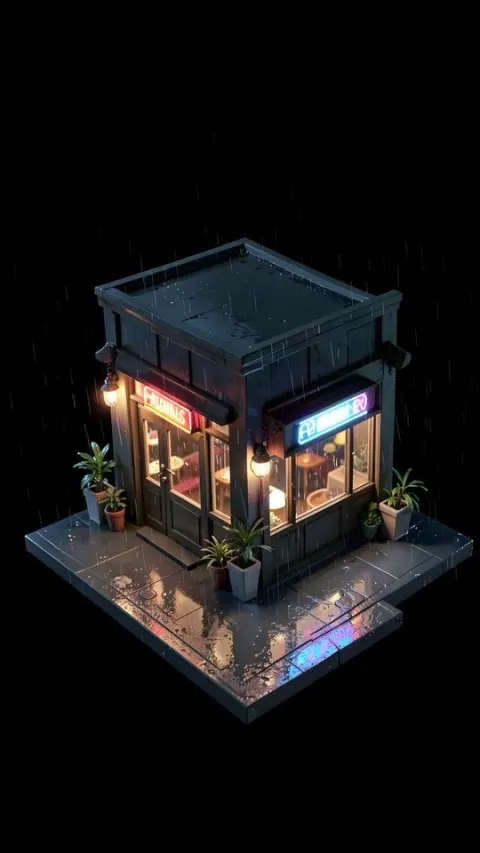
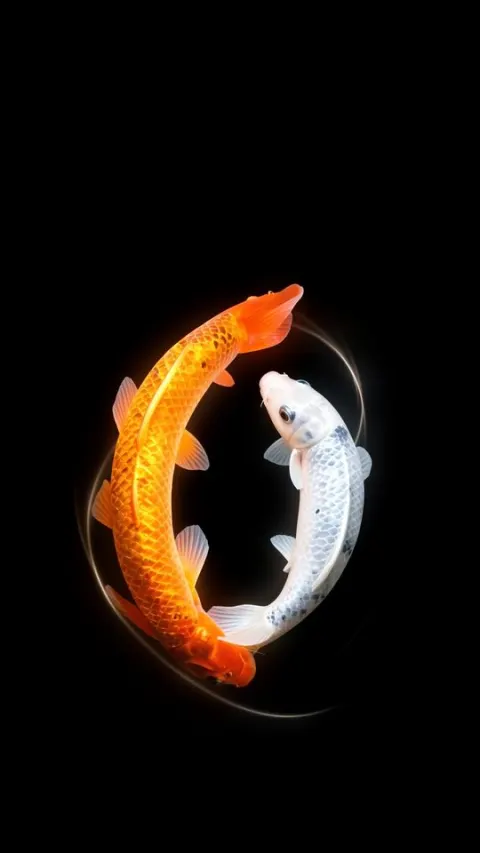
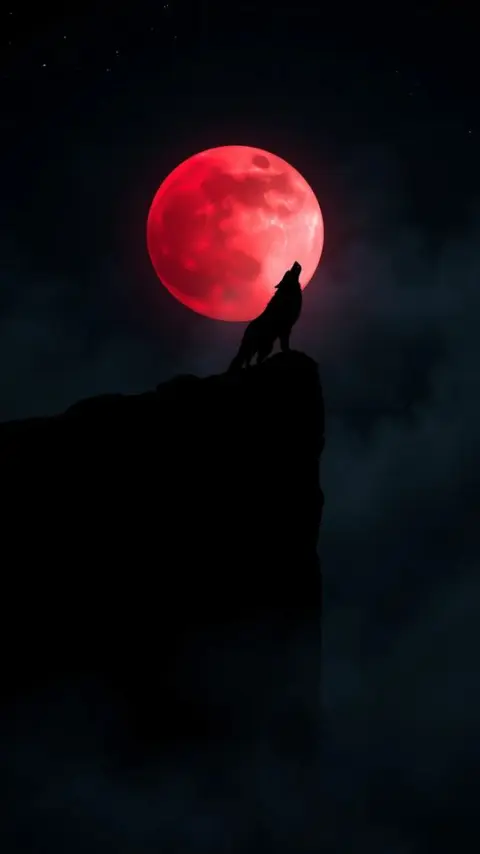
Dark, AMOLED, Neon, Space, Anime, Ocean, 3D and more: a row of covers on Home, and filters in Explore.
A rail of nothing but real telescope images, from Webb, Hubble, ESO and more, each credited to the agency that took it.
Type "neon city" or "night rain" and get wallpapers that match all of it, not just one word.
Open any wallpaper full screen and preview it behind your lock screen clock or home screen icons.
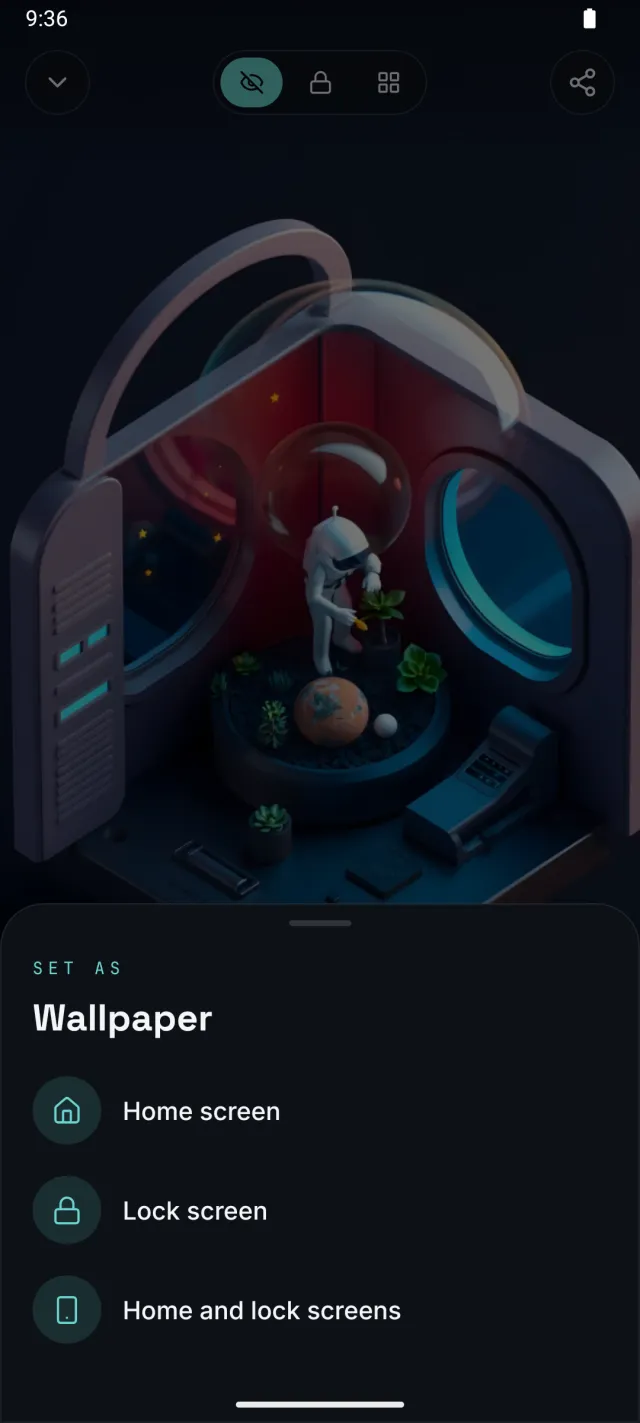
Home screen, lock screen, or both, straight from the app. Or save it to your gallery.
No sign-up, no ads. Your favourites stay on your phone.
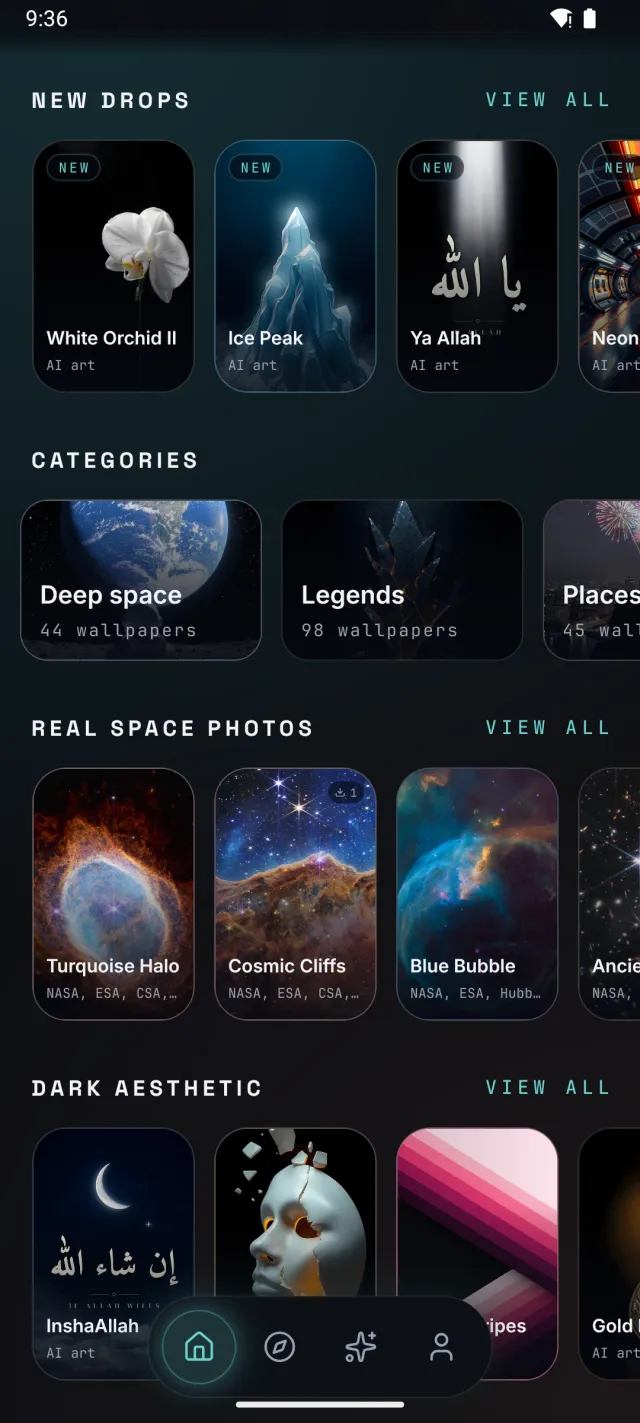
Home
Today's wallpaper, then the latest drops, picks for you, a row of categories drifting past, real space photos, and rails by category. The ones you used last wait at the bottom.
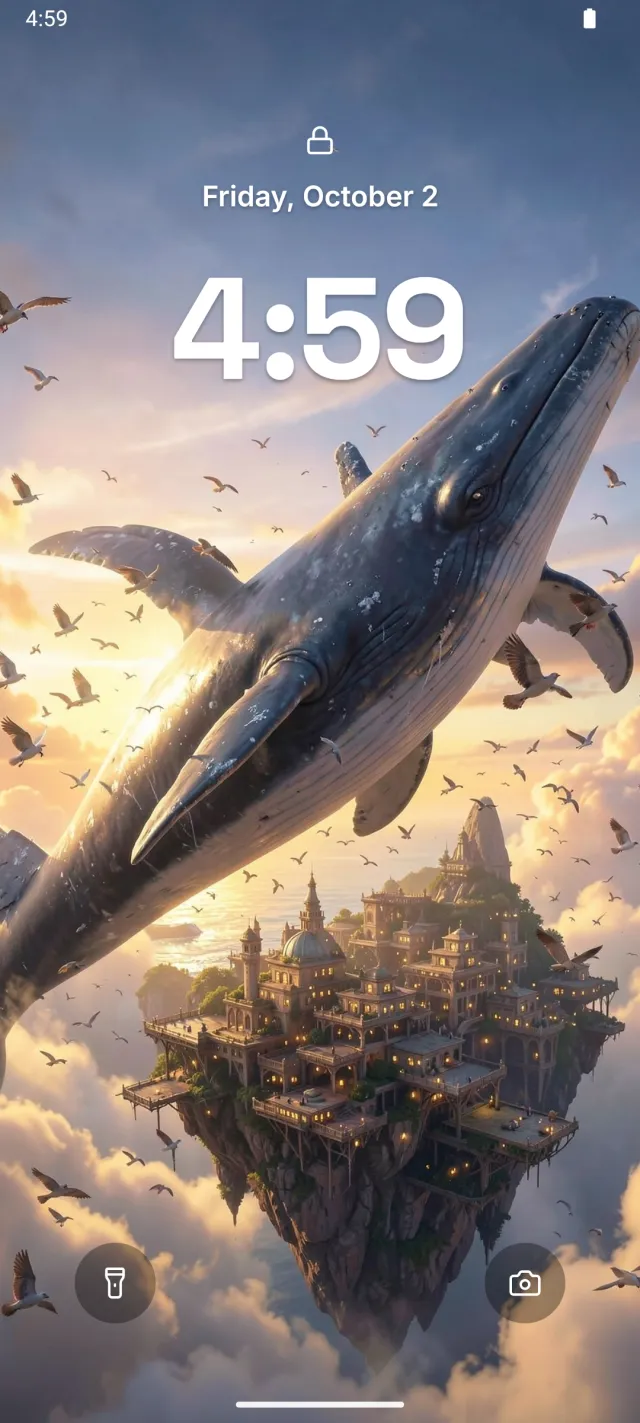
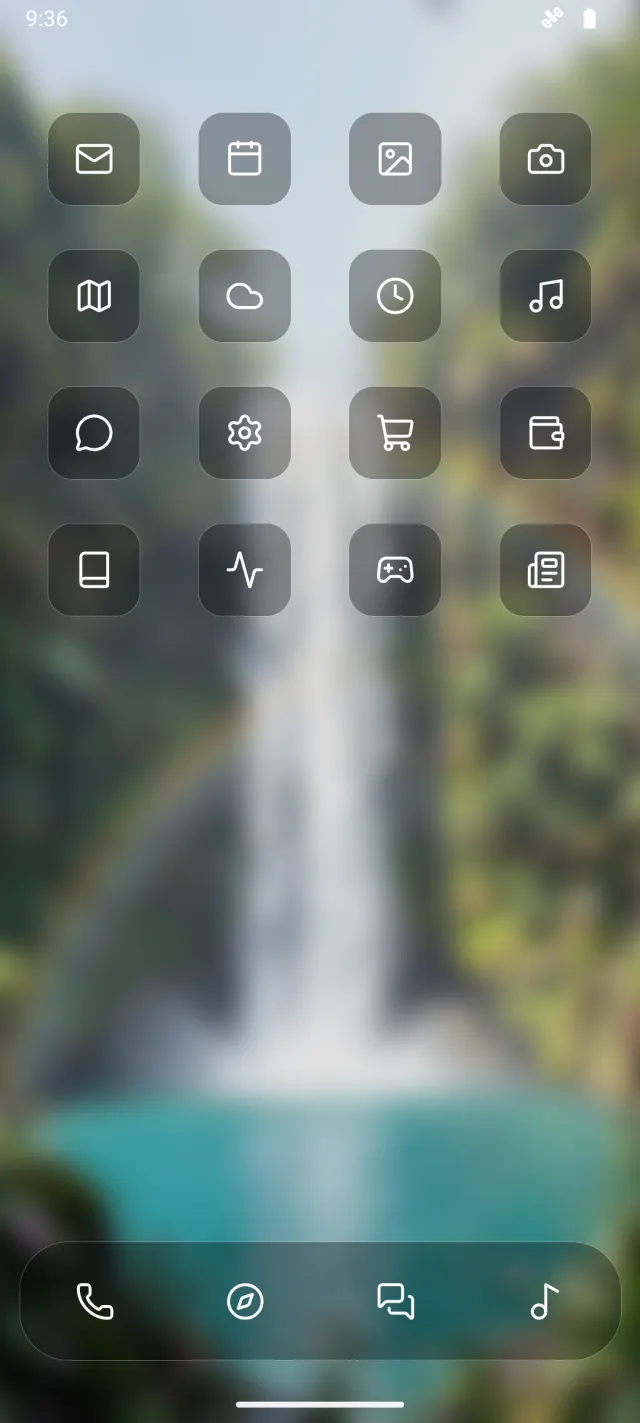
Preview
Swipe through the collection full screen, then see exactly how a wallpaper sits behind your lock screen clock, or behind your home screen icons: the home view softly blurs the wallpaper and puts the icons on dark frosted glass, so you can judge both before you commit. Like it? The heart is right under your thumb.
Set
Choose home screen, lock screen, or both. Wallumour sets it for you in full resolution, sharp on tall phones too.
Explore
Type a few words and Explore finds wallpapers that match all of them. Or just scroll: the grid is shuffled each time you open the app, with this week's new wallpapers woven through the top. Real telescope images sit next to neon streets, dark fantasy and calm minimal art.
AI Studio
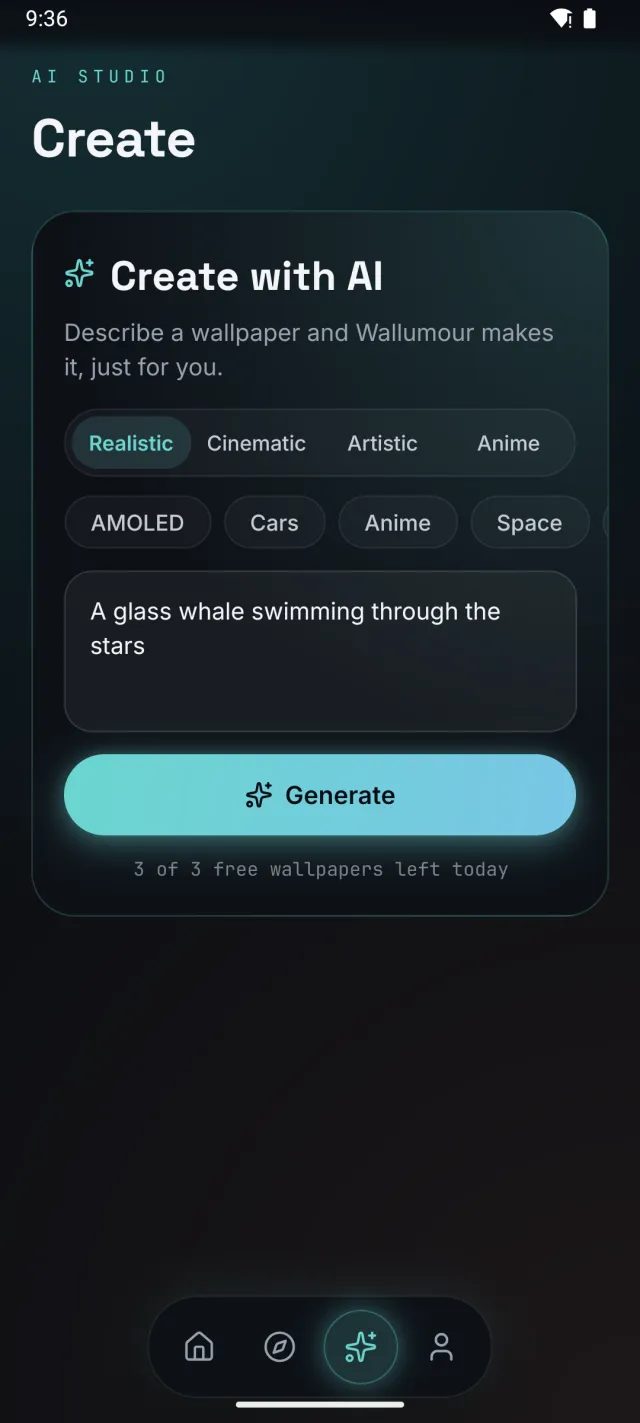
Now in the appDescribe any idea and Wallumour's AI paints a one-of-a-kind wallpaper, made just for you. Save it, or set it straight away.
Gallery




Privacy
Wallumour doesn't ask who you are. Your favourites stay on your phone; what you type in Create is sent to our server to make your wallpaper, and anonymous usage data can be turned off.
Read the privacy policy →
Wallumour is in closed testing now. Want in early, or have a wallpaper to suggest?
Email us for early access